


Refresh a campaign
Replace "SUMMER SALE" with "AUTUMN SALE". Keep every other detail unchanged.
Edit text in image online with AI. Replace words in JPG, PNG or WebP images while matching the original font and background. Review before downloading.
Edit text in image
Original artwork · suggested edits
Replace "SUMMER SALE" with "AUTUMN SALE". Keep every other detail unchanged.
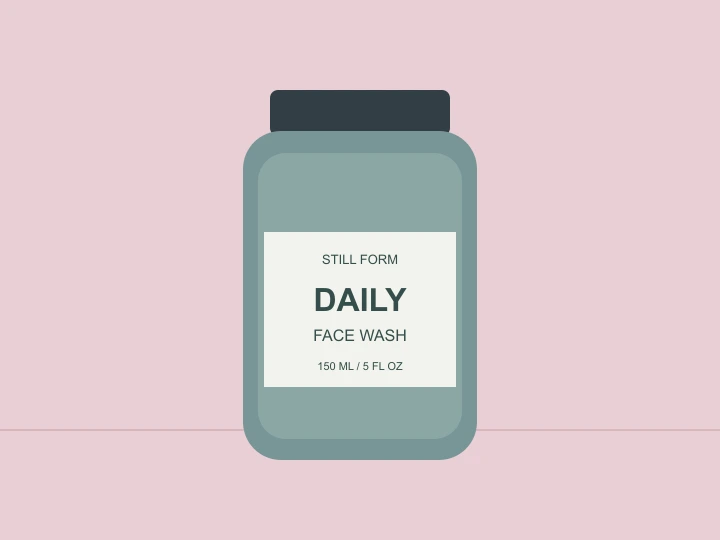
Replace "DAILY" with "NIGHTLY" on the bottle label. Match the existing lettering and preserve the bottle.
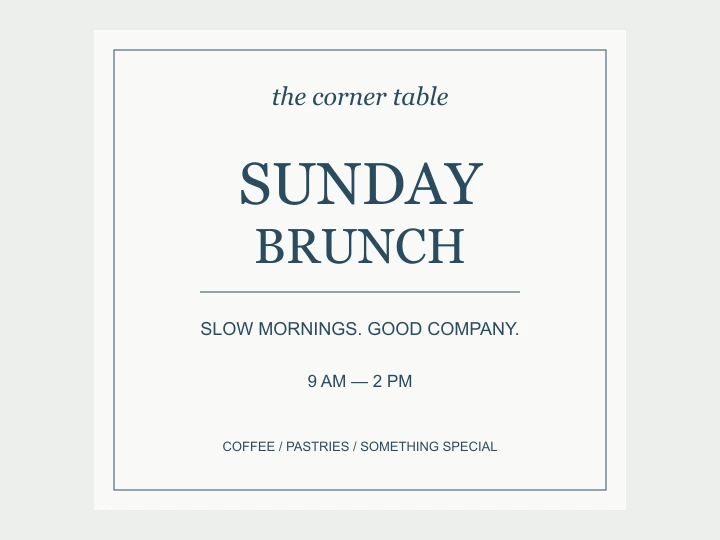
Replace "SUNDAY" with "SATURDAY". Preserve the layout, colors and all other text.
Ask for the same typeface, weight, spacing and perspective. Review the result at full size, especially decorative lettering.
Focus the edit on the words while asking the model to retain textures, lighting and surrounding artwork.
Select the text region and provide the exact replacement. Original wording is optional with a selection. Short edits are easier to verify than rewriting a whole page.
Open the editor and add your image. A sharp source makes small text and background details easier to preserve.
Draw a box around the words, then enter the replacement. The unmarked image is edited; a second, annotated reference identifies the region. Check the credit estimate before generating.
Check spelling, letter shapes and the surrounding image. Download the result or refine the instruction for another edit.
Yes. Upload your image and describe which words to replace. You do not need the original layered design file. The output is an edited image, not an editable text layer.
Exact preservation is not guaranteed. The model is instructed to match the original, but AI can alter letters, spacing or nearby details. Compare the result at full size before using it.
A 1K edit is currently estimated at 10 credits; loading the example is free. Check the live estimate before generating. Each new revision can use additional credits. You can buy a one-time credit top-up on the pricing page. Pricing
You can provide replacement wording in another language. Supply the exact translation you want, and check accents, spelling and layout. Longer translations may need shorter wording to fit.
Edit Text in Image Pro is an AI image text editor for posters, labels and menus. It replaces wording in flattened images and aims to retain the existing typography and background. Results need review; the output is an image, not an editable text layer.
SUMMER was replaced with AUTUMN. Some edges and textures changed; one sample does not establish a success rate or pixel-exact preservation.
| Parameter | Recorded value |
|---|---|
| Model | GPT Image 2.0 |
| Output settings | 1K · 4:3 |
| Credits used | 10 |
| Verified on |
Edit the supplied image. Replace only the word "SUMMER" with "AUTUMN". Keep "SALE" unchanged. Match the original bold typeface, letter size, color, spacing, baseline and left alignment as closely as possible. Preserve the green background, border, 30% box, dates and every other word exactly. Do not add elements.OpenAI documents text-rendering limitations for GPT Image models. Check the wording, placement and clarity in each result.
Although significantly improved, the model can still struggle with precise text placement and clarity.OpenAI: Image generation, Limitations
Published by Edit Text in Image Pro · Updated